
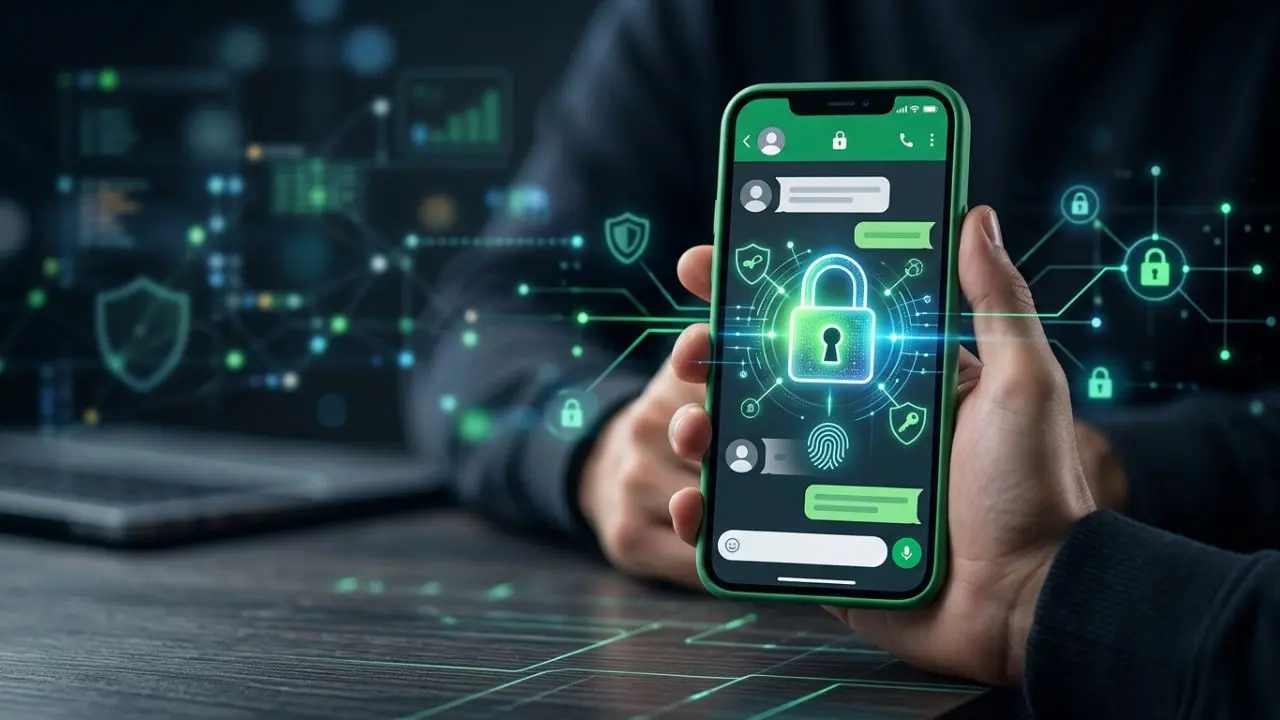
Making WhatsApp more private is not about turning on one setting. Your account, chats, calls, profile details, backups, notifications, and linked devices all play a part.
WhatsApp already uses end-to-end encryption for personal messages and calls. This means the content is designed to stay between the people communicating. However, encryption alone does not protect an account from every risk. Someone with access to your unlocked phone, a linked device, or your account verification code may still create a privacy problem.
The good news is that WhatsApp includes many privacy and security tools. With the right setup, you can greatly reduce unwanted access and share less personal information.
This guide shows you how to build a stronger WhatsApp privacy setup from the account level to individual chats.
Start With Your WhatsApp Account
Your account should be the first thing you protect. A strong privacy setup can fail if someone gains control of your phone number or tricks you into sharing a verification code.
The most important steps are simple:
- Turn on two-step verification.
- Never share your WhatsApp registration code.
- Use a strong phone screen lock.
- Keep WhatsApp updated.
- Review connected devices often.
Two-step verification adds an extra PIN when your WhatsApp account is being registered again. It is separate from the six-digit code sent by SMS or phone call.
Choose a PIN that other people cannot easily guess. Also, add an email address when WhatsApp offers the option, so you have a recovery method if you forget the PIN.
Most importantly, never send your WhatsApp verification code to another person. A message from someone claiming to be support, a friend, or a family member does not change this rule.
Check Your Linked Devices
Linked devices are useful because they let you use WhatsApp on computers, tablets, and other supported devices. However, an old linked session can become a privacy risk.
For example, you may sign into WhatsApp Web on a shared computer and forget to log out. Someone who later uses that computer may be able to access your account.
Open WhatsApp and go to Settings > Linked Devices. Review the list carefully.
Remove anything you do not recognize. You should also remove devices you no longer use.
This is one of the fastest privacy checks you can make. It takes very little time, yet it can prevent an old session from staying active.
Lock Your Most Private Chats
WhatsApp Chat Lock adds another layer of protection for selected conversations. A locked chat is moved away from the normal inbox and protected using your device password or biometric authentication. Details from locked chats are also hidden in notifications.
This can be useful for personal, work, family, or other sensitive conversations.
You do not need to lock every chat. Instead, use it where another person having access to your phone could cause a problem.
For better protection:
- Lock chats that contain sensitive information.
- Use a secure fingerprint, Face ID, or device passcode.
- Avoid sharing your phone unlock code.
- Check your locked chats from time to time.
Remember that Chat Lock protects access on your device. It does not control what the other person does with the information they receive.
Hide Your Online Activity
You do not always need other people to know when you are available.
WhatsApp lets users control several parts of their presence. Depending on your current app version, you can manage who can see information such as your last seen and online status.
Go to Settings > Privacy and review these options.
A more private setup can limit this information to contacts or nobody, depending on the choices available to you.
This is especially useful when you want to use WhatsApp without creating pressure to reply immediately.
Privacy is not only about hiding messages. It is also about controlling small pieces of information that reveal when you are using the app.
Limit Your Profile Information
Your profile photo, About section, and status can reveal more than you expect.
For example, a public profile photo may show your face to people you do not know. Your About line may reveal your job, location, website, or other personal details.
Open Settings > Privacy and review who can see:
- Profile photo
- About
- Status
- Last seen
- Online information
- Groups
Choose the narrowest audience that makes sense for you.
You do not have to make everything visible just because WhatsApp provides the option.
Use Privacy Checkup
WhatsApp’s Privacy Checkup is designed to guide users through important privacy controls. It brings several settings together so you can review how your information and conversations are protected.
This is a useful starting point if you have never reviewed your privacy settings.
Instead of opening every setting one by one, use the checkup to spot areas that need attention. Then, adjust individual settings based on how private you want your account to be.
You should also repeat this review after major WhatsApp updates. App features and controls can change over time.
Turn On Silence Unknown Callers
Unknown calls can be unwanted, distracting, or part of a scam attempt.
WhatsApp offers Silence Unknown Callers, which helps prevent calls from unknown numbers from ringing on your phone. The calls can still appear in the call list, so you can review them later. WhatsApp introduced the feature as a way to help screen spam, scams, and calls from people you do not know.
This is a useful setting for people who receive frequent calls from unfamiliar numbers.
Go to Settings > Privacy > Calls and look for the option to silence unknown callers.
However, remember that a silent call is still a call. You should still be careful about unexpected messages that ask for money, codes, passwords, or personal details.
Protect Your Chat Backups
Your WhatsApp messages may be protected while moving between devices, but backups deserve separate attention.
WhatsApp provides end-to-end encrypted backup protection as an optional security layer. With this protection enabled, the backup is encrypted so that the backup provider and WhatsApp cannot access the encryption key needed to read it.
WhatsApp also introduced passkey-encrypted backups. Where available, this can let users protect backups with a fingerprint, face recognition, or screen lock code instead of remembering a separate password or long encryption key.
Open Settings > Chats > Chat backup > End-to-end encrypted backup to check the options available on your account.
This is an important step because an unsecured backup can become a weaker point in your privacy setup.
Be Careful With Disappearing Messages
Disappearing Messages can automatically remove new messages from a chat after a selected period. WhatsApp has expanded the feature with several time options and also provides a default setting for new chats.
This feature can help reduce the amount of old conversation history stored in a chat.
Still, disappearing messages are not a magic privacy shield.
A recipient can take a photo of a message with another phone. They may also copy information before it disappears. Therefore, you should never send something simply because you believe it will vanish later.
Use disappearing messages as a cleanup tool, not as a guarantee that nobody can keep a copy.
Use View Once for Certain Media
For some photos and videos, WhatsApp provides View Once. This is useful when the recipient does not need to keep the media in their normal chat history.
It can be helpful for temporary visual information. However, the safest approach is still to think before sending.
A private feature cannot remove every real-world risk. The person receiving the media can still see it, remember it, or use another device to capture it.
Therefore, only send content to people you trust.
Control Group Privacy
Groups can expose your account to people you do not know well.
Someone may add you to a group where many members can see your profile details. Even when the group is legitimate, it may contain people outside your usual circle.
WhatsApp includes privacy controls for who can add you to groups. Review this setting under Settings > Privacy > Groups.
Choosing a more limited option can reduce unwanted additions.
This is particularly useful for people who receive frequent invitations from large community groups, work groups, or unknown contacts.
Treat Messages From Unknown People Carefully
Strong privacy settings cannot stop every scam.
A message can still look genuine even when it comes from an unknown number. Scammers may claim to be a relative, employer, company representative, delivery service, or friend using a new number.
Watch for messages that create pressure.
Be cautious when someone asks you to:
- Share a verification code.
- Send money quickly.
- Click an unexpected link.
- Install an unknown app.
- Move the conversation to another service.
- Share passwords or financial details.
WhatsApp has also continued adding security measures as threats change. Meta said in 2026 that WhatsApp was strengthening defenses against harmful media and malware, showing why users should keep the app updated and stay careful with unknown files.
Protect Your Phone, Not Just WhatsApp
Your WhatsApp privacy is closely tied to your phone security.
Even strong app-level protections cannot fully help if someone can freely unlock your device.
Use a strong screen lock and biometric security where appropriate. Avoid leaving your phone unlocked in public places. Also, be careful when giving your phone to another person.
Review notification previews as well.
If message previews appear on your lock screen, another person may read part of a conversation without opening WhatsApp. Your phone’s notification settings can help reduce this exposure.
Keep WhatsApp Updated
Updates are not only about new emojis and design changes.
Messaging apps continuously deal with security threats. New versions may include security improvements, bug fixes, and stronger protection against attacks.
Turn on automatic updates where practical. Also, avoid unofficial WhatsApp versions that promise extra themes, hidden tools, or unusual features.
A modified app may create risks that are difficult to see.
Using the official WhatsApp application gives you a safer starting point.
Understand What “100% Private” Really Means
There is no setting that can make a WhatsApp account completely private in every situation.
WhatsApp’s end-to-end encryption helps protect the content of messages and calls while they are communicated. Yet privacy also depends on your device, account, backups, linked devices, settings, and the people you communicate with.
For example, another person can take a screenshot or copy information from a conversation. A stolen phone can also create serious problems if it is not properly protected.
That is why the better goal is to build several layers of protection.
Think of your privacy setup like a locked house. The front door matters, but so do the windows, spare keys, alarms, and people who have access.
Your WhatsApp Privacy Routine
Once you have completed the main settings, privacy should not become something you check only once.
A simple routine can keep your account in better shape:
- Check Linked Devices regularly.
- Review Privacy settings after major updates.
- Confirm that two-step verification is active.
- Check your backup encryption settings.
- Remove unknown or unnecessary connected devices.
- Be careful with messages asking for codes or money.
- Keep WhatsApp and your phone software updated.
You do not need to change every setting every week. A quick review every few weeks is enough for most users.
Final Thoughts
Making WhatsApp more private starts with a few practical choices.
Protect your account first. Then secure your phone, review linked devices, limit profile visibility, lock sensitive chats, protect backups, and control unknown calls. Also, pay attention to what you send and who receives it.
The strongest WhatsApp privacy setup is not based on one hidden feature. It comes from using several protections together.
End-to-end encryption gives personal conversations a strong foundation. Privacy controls give you more control over who sees account details. Chat Lock protects selected conversations on your device. Encrypted backups help protect stored chat history. At the same time, careful habits reduce the risks that technology alone cannot remove.
For that reason, the best approach is simple: use the privacy tools WhatsApp provides, keep your account protected, and think carefully before sharing sensitive information.