
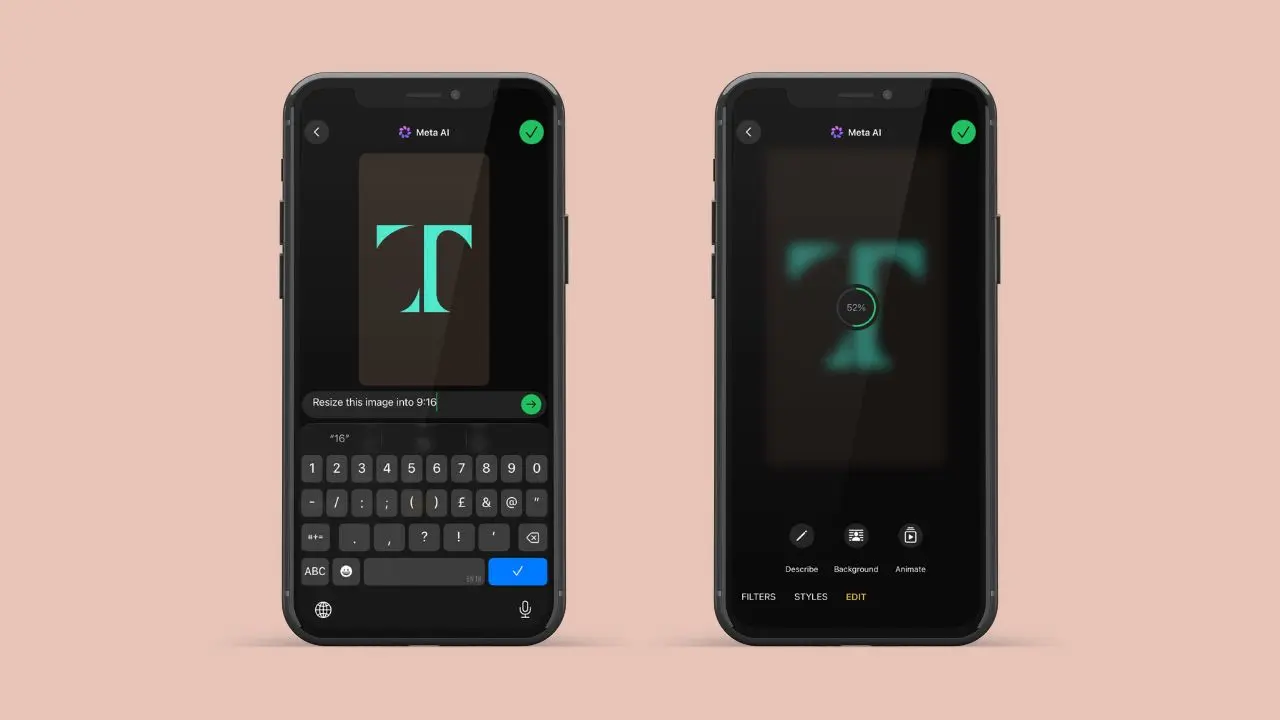
WhatsApp is testing a new feature that allows users to use AI to resize photos. With this feature, you can resize your WhatsApp photo to 9:16 format without any extra tools. This update is still in beta, so it is not open to everyone yet.
What This New Tool Does
This tool solves one small but pesky problem. Many photos do not fit the tall shape that WhatsApp status updates use. When someone posts a square or wide photo, empty space shows up at the top and bottom. The new tool fixes this. It adds fresh content around the edges of the photo. It does not just stretch or cut the image.
- It looks at the photo first, then adds new details that match the scene
- It keeps the main subject safe, so nothing important gets cut out
- It can turn most photos into a full-screen image in seconds
This method beats a plain resize. A plain resize just stretches the image, and that often looks odd. Instead, this tool tries to guess what belongs around the photo. Then, it fills that space in a way that looks real.
How It Will Work
Based on what has been found so far, the tool will live inside the drawing editor. That is the same screen people already use to crop, draw, or add text to a photo. Users will not need to learn a new screen or open another app.
Here is how the steps are expected to go:
- Open a photo in the drawing editor
- Scroll to the filters section and find the new expand option
- Tap it and let the AI work on the image
- Check the result, then post it or try again
This keeps things simple. Since the option sits inside a tool people already use, it should feel familiar right away.
Why WhatsApp Wants This
Status updates look best when they fill the whole screen. But not every photo is shot in that shape. Photos taken sideways, or ones cropped for other apps, often leave gaps when posted as a status.
Right now, people deal with this in one of two ways. They crop the photo, and that can cut out key parts. Or, they leave the gaps and post it anyway. Neither choice looks great. This new tool offers a third path. It fills the space without losing anything from the shot.
Part of a Bigger Push Into AI Editing
This is not WhatsApp’s first step into AI editing. The drawing editor has already gained a few new tools. These let users:
- Apply styles like 3D, anime, or cartoon looks
- Add or remove objects from a photo
- Rebuild a photo with a text prompt
- Turn a still photo into a short moving clip
Together, these tools turn the drawing editor into a small photo studio. As a result, users may not need to open another app just to touch up a photo before they share it.
What We Still Don’t Know
WhatsApp has not said when this tool will launch. It has not said which places will get it first. Work on it is still not done, so it may take a while to reach testers. Status updates may get it first, since the tall shape matters more there than in chats.
For now, this stays a tool to watch, not one to use. It fits well into WhatsApp’s bigger plan. That plan is simple: add more editing tools, but keep the app easy to use.
The Bottom Line
This small tool points to a bigger shift. Photo apps are moving past plain filters and crops. They now try to fix and finish photos for you. WhatsApp seems to bet that AI can handle the dull parts of editing. As a result, people can spend less time fixing photos and more time sharing them. If this tool works as planned, it could make status updates look better with almost no extra work. For now, keep an eye on future beta updates if you want to try it early. Small tools like this often say a lot about where an app is headed next.