
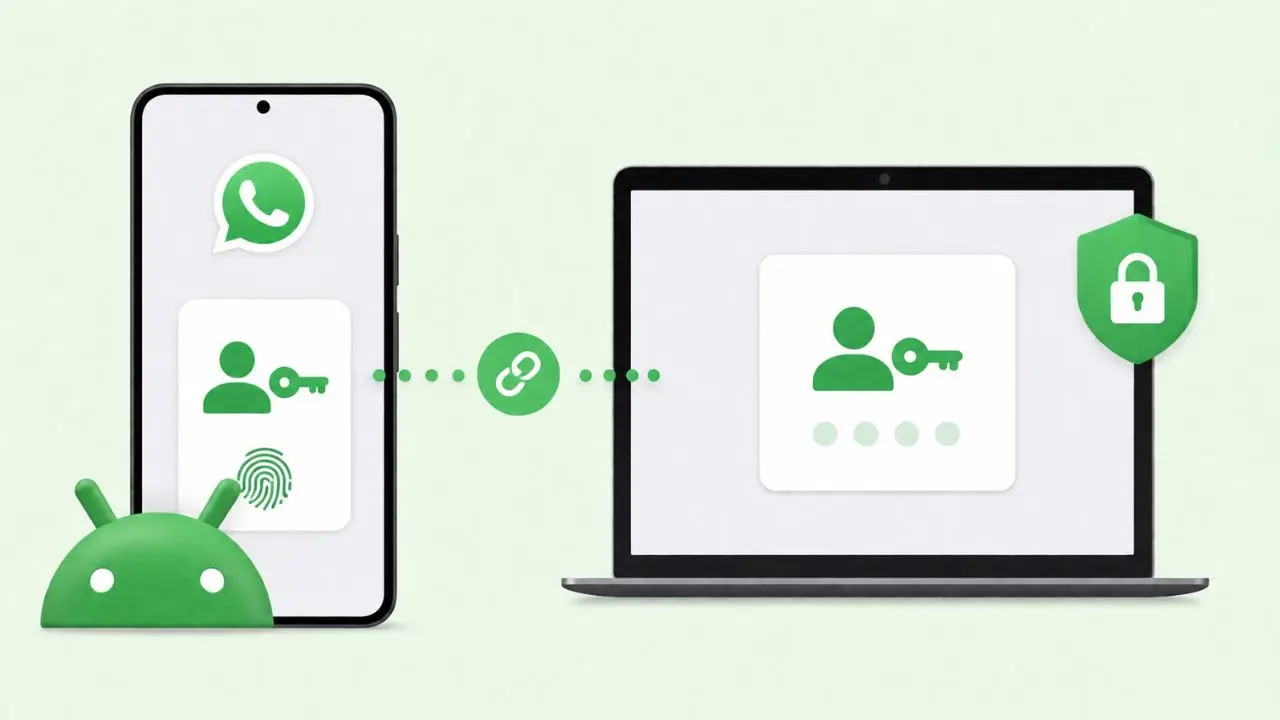
WhatsApp is building a new way to link your phone with a second device. Right now, you scan a QR code every time you connect a new device. Soon, you may skip that step and use a passkey instead. This feature is still in the works. It is only being tested for Android so far.
The goal is simple. WhatsApp wants device linking to feel faster. At the same time, it wants to keep your account safe. So this update adds a fresh layer of safety to the whole process.
What Passkeys Already Do on WhatsApp
You may already use a passkey to log into WhatsApp. This feature came before device linking, and it works a bit differently.
A passkey lets you skip SMS codes. Instead, you unlock your account with your fingerprint, your face, or your screen lock. This works because passkeys use your device’s built-in security tools. Nobody else can easily copy those.
As a result, it gets harder for anyone else to break into your account. Passkeys already play a role when you first set up an account, and WhatsApp recently made it possible to reserve a username too. Now, the app is testing new ways to put passkeys to work.
WhatsApp Is Testing Passkey Device Linking
This brings us to the newest update. WhatsApp is building a feature that lets you link a new device using your saved passkey.
Here is how it would work. Your passkey sits inside your password manager. When you want to link a new device, you can use that saved passkey instead of a code. There is no camera and no code to type in.
This does not replace the QR code, though. WhatsApp is not dropping the old method. Instead, this new option simply gives you another way to connect your devices.
How the Passkey Linking Process Works
Once you try to link a device with a passkey, WhatsApp sends an alert to your phone. This step checks that you truly started the request yourself.
Here is what happens next:
- WhatsApp asks if you want to continue or cancel.
- If you tap “Continue,” the new device links right away.
- If you tap “Cancel,” the request gets blocked.
- In some cases, you may still need to scan a QR code as one more step.
For example, the first time you try this feature, WhatsApp may ask you to scan the code once. After that, the passkey alone may be enough on its own.
Why This Extra Step Matters
You might ask why WhatsApp still wants your approval. A passkey already proves who you are, after all.
WhatsApp wants to stay careful here. Device linking gives someone full access to your chats. So the app wants to make sure only you can approve that kind of request.
This means the new system adds ease without cutting corners on safety. In short, it is faster, but it is not any less safe. That balance is the whole point of this update.
Why WhatsApp Wants a New Way to Link Devices
Right now, linking a device is not hard, but it does take a few steps. You need your main phone close by. You also need to scan a code with your camera, which can feel slow.
With passkey linking, that changes. You skip the scanning step. Your fingerprint or face unlock does the job instead.
This also fits a bigger pattern. Many apps are slowly moving away from passwords and one-time codes. Passkeys lean on your device’s own security, which tends to be both quicker and safer than typing out a code.
This update is not just about speed. It is also part of a wider shift toward passkeys across many apps and websites.
You Will Need a Passkey Set Up First
Before you can use this feature, you need a passkey already saved for your WhatsApp account. If you don’t have one yet, WhatsApp will ask you to make one first.
To set one up, you will need:
- A password manager that supports passkeys
- A lock screen already set up on your device
Once both are ready, you can make your passkey at any time. Open WhatsApp Settings, then tap Account, then tap Passkeys, and the setup only takes a minute. If you get stuck, WhatsApp’s own About passkeys page walks through each step.
When Will This Feature Launch?
This feature is still under work. It is not live yet, and it has not even reached beta testers.
WhatsApp has not shared a release date either. Based on how these updates usually roll out, beta testers will likely get early access first. After that, the feature should slowly reach everyone on the stable app.
For now, setting up a passkey for login is still a smart move if you want extra safety today. Once device linking support arrives, that same passkey should work for both jobs.
Quick Questions About This Update
Will WhatsApp remove the QR code option?
No. The QR code will stay. Passkey linking is simply an extra choice for people who want it.
Do I need a passkey already set up?
Yes. You need one saved in a password manager before you can use this feature. WhatsApp will guide you through setup if you don’t have one yet.
Is this feature live right now?
No, not yet. It is still being built and tested inside WhatsApp, and it has not reached beta testers.
Does a passkey make my account safer?
Yes. A passkey relies on your fingerprint, face, or screen lock instead of a code sent by text. That makes it much harder for someone else to get in.
The Bottom Line
WhatsApp is clearly investing in passkeys. First, the feature arrived for logins. Now, it is growing into device linking too.
This change won’t remove the QR code option, so nothing breaks for people who already like it. It simply gives users another, faster path to link devices safely.
As passkeys grow more common across apps, this move puts WhatsApp a step ahead of many rivals. Once this feature rolls out fully, linking a new device could feel as easy as unlocking your phone.