
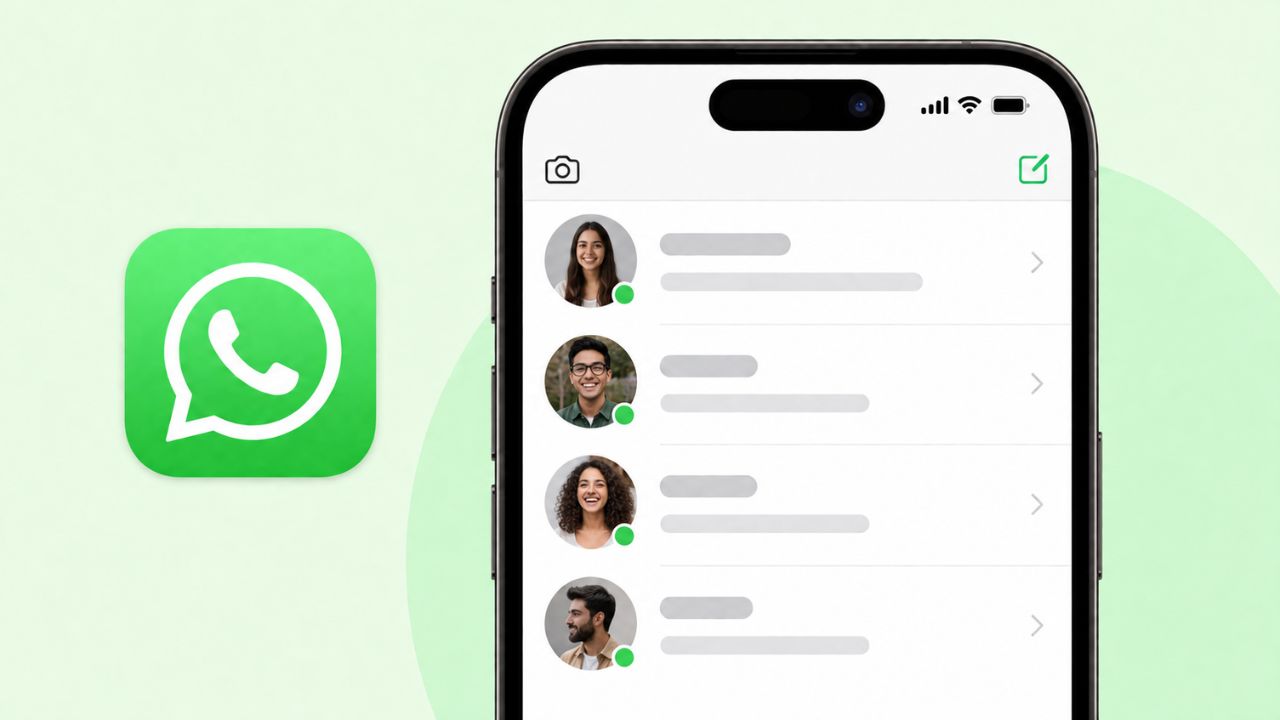
Good news for iPhone users. WhatsApp beta testers on iOS can now see a small green dot. It shows when a contact is online. This feature was already live for some Android testers. Now, it’s the iPhone’s turn.
Let’s look at what this green dot does. We’ll also cover where to find it and why it matters.
What Is the Green Dot, Exactly?
The green dot is a tiny circle. It sits next to a contact’s profile photo. When it’s there, that person is active on WhatsApp right now. Once they close the app, the dot goes away. So, it always shows the real-time status of your contact.
Before this update, WhatsApp used a text label instead. It was a small word, like “online,” placed under a contact’s name. The green dot is a simpler way to show the same thing. It’s also easier to spot at a quick glance.
How to Find the Green Dot on Your iPhone
Right now, the dot only shows up in one place. Here’s where to look:
- Open any chat on WhatsApp
- Tap the contact’s name at the top of the screen
- This opens the Contact Info page
- If they’re online, you’ll see a green dot on their photo
That’s it for now. You won’t find the dot on the main chat list yet. You also won’t see it inside the chat window itself. For the moment, the Contact Info page is the only spot.
Why You Might Not See the Dot for Everyone
Not every contact will show this dot. That’s on purpose. WhatsApp respects each person’s privacy choices. So, if someone has turned off their “last seen and online” status, the dot won’t show for them. This stays true no matter how active they are.
This works just like WhatsApp’s older online marker did. In other words, nothing changes about who can see your activity. The green dot simply shows the same information in a fresh, cleaner way.
Who Can Try It Right Now
This feature is still in testing. That means it isn’t open to everyone just yet. Here’s what we know so far:
- The update is rolling out through TestFlight, Apple’s app for testing early software
- Only some beta testers will see the dot, even right after updating
- A few regular App Store users may spot it too, since WhatsApp often tests new features on a small group first
- There’s no set date yet for a full release
If you update your app and still don’t see the green dot, don’t worry. It’s not a bug. WhatsApp is simply rolling this out step by step. Android users can join early tests too, through the Google Play Beta Program. Your account may just not be part of the test group yet.
Why WhatsApp Is Doing This
You might wonder why a small green dot matters so much. WhatsApp has been testing other small changes too, like letting people reserve a WhatsApp username. Put together, these updates point to something bigger. WhatsApp is said to be building a new Contacts tab that would show which of your contacts are online or active lately, all in one place.
Because of this, the green dot is more than a small design tweak. It’s actually a building block for that future feature. Once users get used to seeing the dot on the Contact Info page, the shift to a full Contacts hub should feel familiar. It won’t feel confusing at all.
Could the Dot Show Up Elsewhere Later?
Very likely, yes. WhatsApp often tests new features in one small spot first. Then, it expands them slowly. The Contact Info page was a smart place to start. After all, people only open it when they want more details about someone.
That said, it wouldn’t be a shock if the green dot later shows up in the main chat list too. It could also appear inside the chat window itself. WhatsApp has taken this same slow approach before, like when it started testing an Android tablet as primary device. For now, the team seems to be watching how people react before going further.
Quick Questions About the WhatsApp Green Dot
Is the green dot live for all iPhone users?
No. Right now, it’s only for some beta testers using TestFlight.
Does the green dot work the same as on Android?
Yes. It works the exact same way on both platforms.
Can I turn off the green dot?
Yes, in a way. Turn off your “last seen and online” status in your privacy settings, and the dot won’t show for you either.
Where exactly does the dot appear?
Only on the Contact Info page, which opens when you tap a contact’s name at the top of a chat.
What This Means for You
If you use WhatsApp on your iPhone, keep an eye on app updates through TestFlight. Even so, keep in mind that beta features can change. This one might look a bit different before it becomes official.
Meanwhile, if privacy is a concern for you, nothing about your settings has changed. You still control who can see when you’re online. Turning off your last seen status also hides this new green dot from others.
Final Thoughts
WhatsApp’s green dot might seem like a small change. Still, it fits into a bigger plan. The app has also been letting an iPad act as your main WhatsApp device, showing it wants iOS to do more. Since Android testers got the green dot first, iPhone users are simply catching up now.
For now, only a small group of beta testers will notice the update. Even so, based on how WhatsApp usually rolls out new features, this dot will likely reach more accounts over the coming weeks. So, if you don’t see it yet, just give it some time.
As always, WhatsApp hasn’t shared an exact date for the full release. Until then, beta testers get to enjoy this small but useful upgrade first.